
Panasonic SJ-MR100 Review: Universal Basic MiniDisc Recorder
Cory W. 2025-10-12
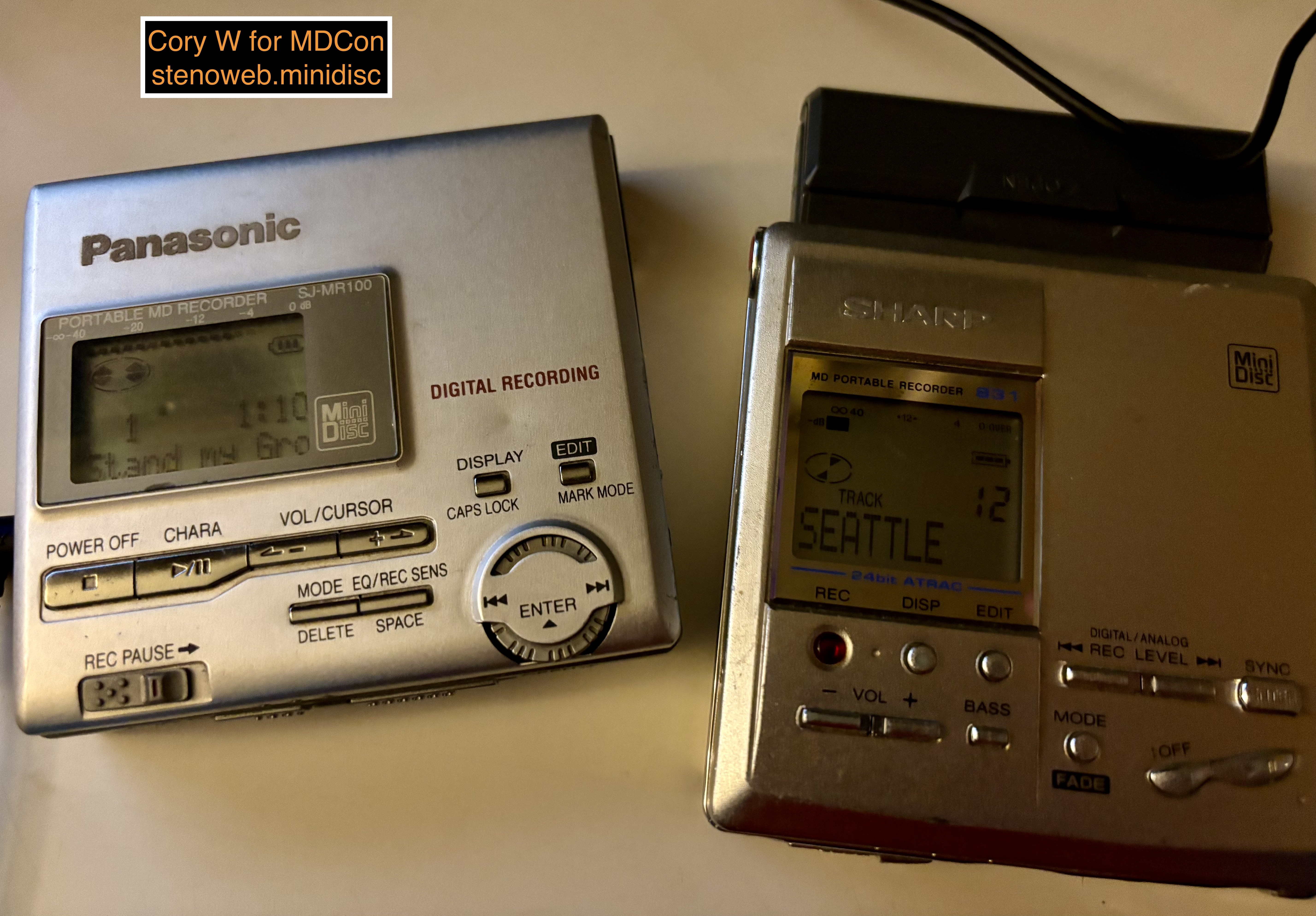
I'm always saying "the best minidisc machine is the one in your hand" which is in equal part because they legitimately are all good and because they each have a story to tell. They have their own strengths and weaknesses, companies tried different things, there's different reasons you might try a particular one.
Up for consideration today is the Panasonic SJ-MR100, a portable recorder from 1999, making it roughly contemporary to the Sony MZ-R55 and the Sharp MD-MT831.
The Panasonic Minidisc Story
What's the MR100's story? When Sony was getting ready to work on MiniDisc as a second attempt at a digital recording format to complement the CD as a commercial publishing format, Philips (having worked with them on the CD) decided not to join them, instead launching the Digital Compact Cassette format, whose main feature was backward compatibility with analog cassette media.
Panasonic followed, spending the first half of the 1990s collaborating with Philips on manufacturing DCC hardware for markets globally.
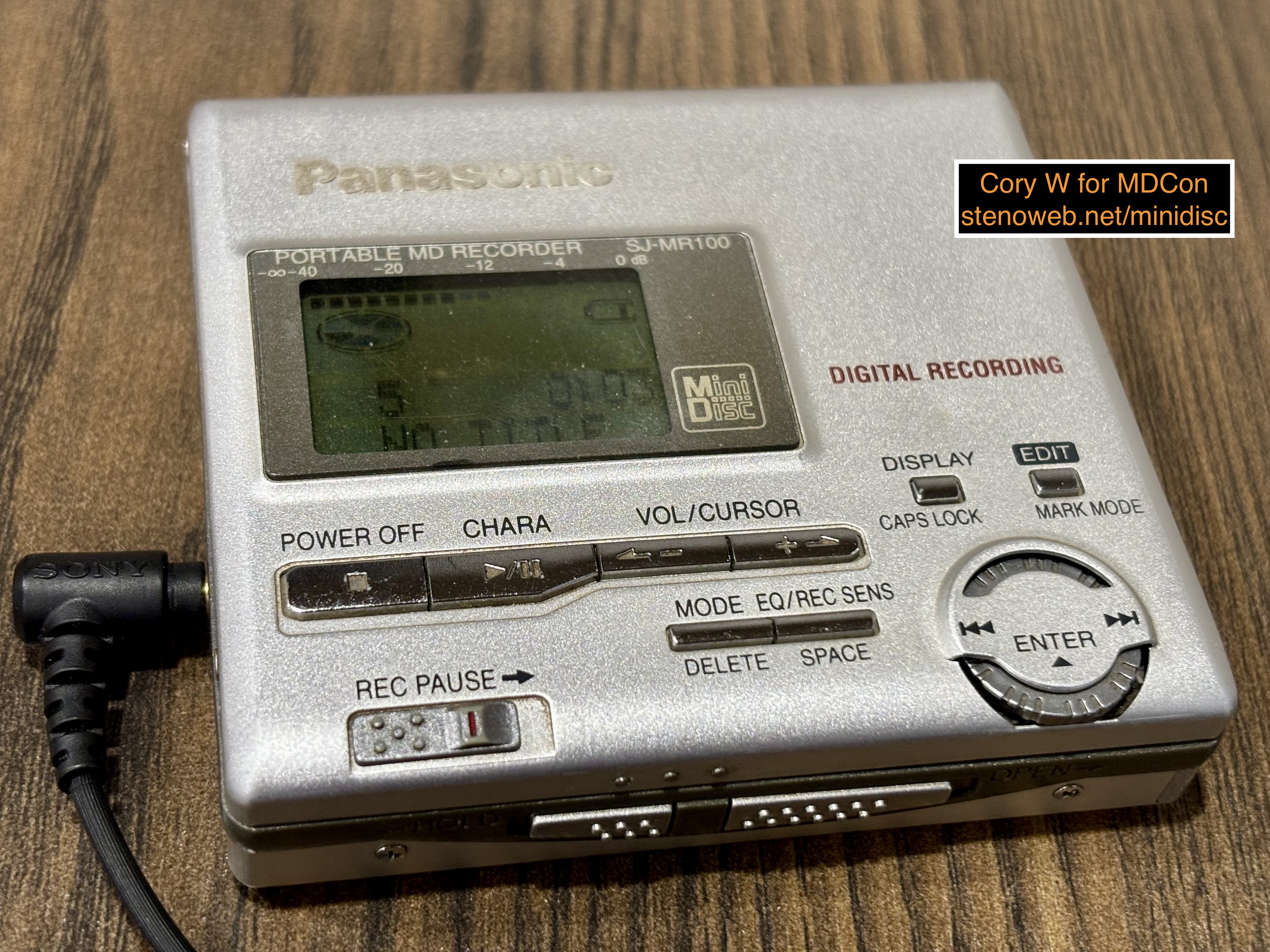
Philips discontinued DCC in October 1996, but Panasonic must have seen this coming, introducing it's first MiniDisc recorder in August 1995. After the DCC announcement, Panasonic introduced a few player-only units from 1997 through to 1999.
And so for such a late-comer, 1999's SJ-MR100 is fairly mature. They were either paying attention the whole time or benefited significantly from lessons learned by everyone else in the industry. It's a well-rounded unit with all of the "mature era" MiniDisc table stakes standard by 1998 including: a 40-second memory buffer, sync recording, sample rate converter and 20- and 24-bit input, digital and analog line input, a microphone input, and the ability to do onboard editing and titling. Panasonic was able to come up to speed impressively quickly, especially given they were a top-level licensee, so they developed all their own ATRAC1 implementation and all of their own hardware.
If you didn't know it was Panasonic's second-ever recorder (their first appears to have been co-developed with Victor) you'd be forgiven for mistaking it was a fifth or sixth-generation product. And so it feels remarkable how complete and featurefull it is compared to its contemporaries.
Stand-Outs
The MR100 has arguably two stand-out features:
The first is also on almost all of Panasonics' recorders after this, a sync 1 mode: when connected to a CD player with digital output, this mode records just the first track of any number of CDs you play through to it. This feature is useful for cleanly building a mixtape out of CD singles, but it only really works if the track you want is the first track on a given single. (Japanese CD singles are structured very predictably and their first track is almost always the one people wanted.)
The next stand-out on the MR100 is the free-rotating dial on the front. During playback, the wheel lets you navigate the tracks on a disc and skip to a specific one, without stopping. Rotate it until the number and title shows up then press it inward to skip. (In exchange, the unit doesn't have an onboard fast forward or rewind, and there's no single-track skip forward/backward buttons.)
The wheel stands out more when you're entering track titles. The unit offers to let you title the disc title and then all the tracks in order. Titling is a breeze. Without any practice it was at least as fast as I can go on any other machine, perhaps faster. This is because the unit uses two lines to do titling. The top line shows what you've entered and the bottom shows the available characters. You use the dial to scroll to a character and slide it in to hit enter to pick the character and advance to the next character. To enter a space, I found the best way was to use the volume keys, which double as cursor keys during titling, to move the cursor.
This is perhaps one of the fun aspects of such a customizable and flexible format, each person can develop their own style to quickly entering track titles. As an example, I never bother with lower-case letters, numbers, or often even artist names. It's enough to know where I am on a disc or remind myself of a song I might not remember from the middle of an album, or a mixtape.
The only downside in titling compared to newer machines such as Sony MZ-R700, 900, or B100 is if you enter titling mode while the machine is playing, once you get done entering the title the machine stops playback and returns to the start of the disc. The way Sony lets you enter track titles while a disc is playing is one of the nicer improvements post-maturity. I've always found entering titles on my first or second listen-through of an album or mixtape to be a great way to engage with an album, learn which track is which, and also keep my hands busy doing something easy while focusing more on the music than if I put an album on while reading or playing a game or whatever.
The Comparables
The MR100 was introduced in the same year as the Sony MZ-R55 and the Sharp MD-MT831 and it's very comparable to those units, but it's missing a couple features from each. The R55 has a line-level output and a real-time clock for timestamping. The MT831 allows for adjusting the recording level by hand in motion. All three launched for 46,000 yen, if I had to guess the Panasonic's price will have floated down over time.
So when new, even though they've got very similar overall functionality, each might have caught slightly different customers, with Sharp focusing on advanced field recording, Sony focusing on metadata and all-around functionality, with Panasonic targeting a younger market possibly people buying their first own portable MD recorder.
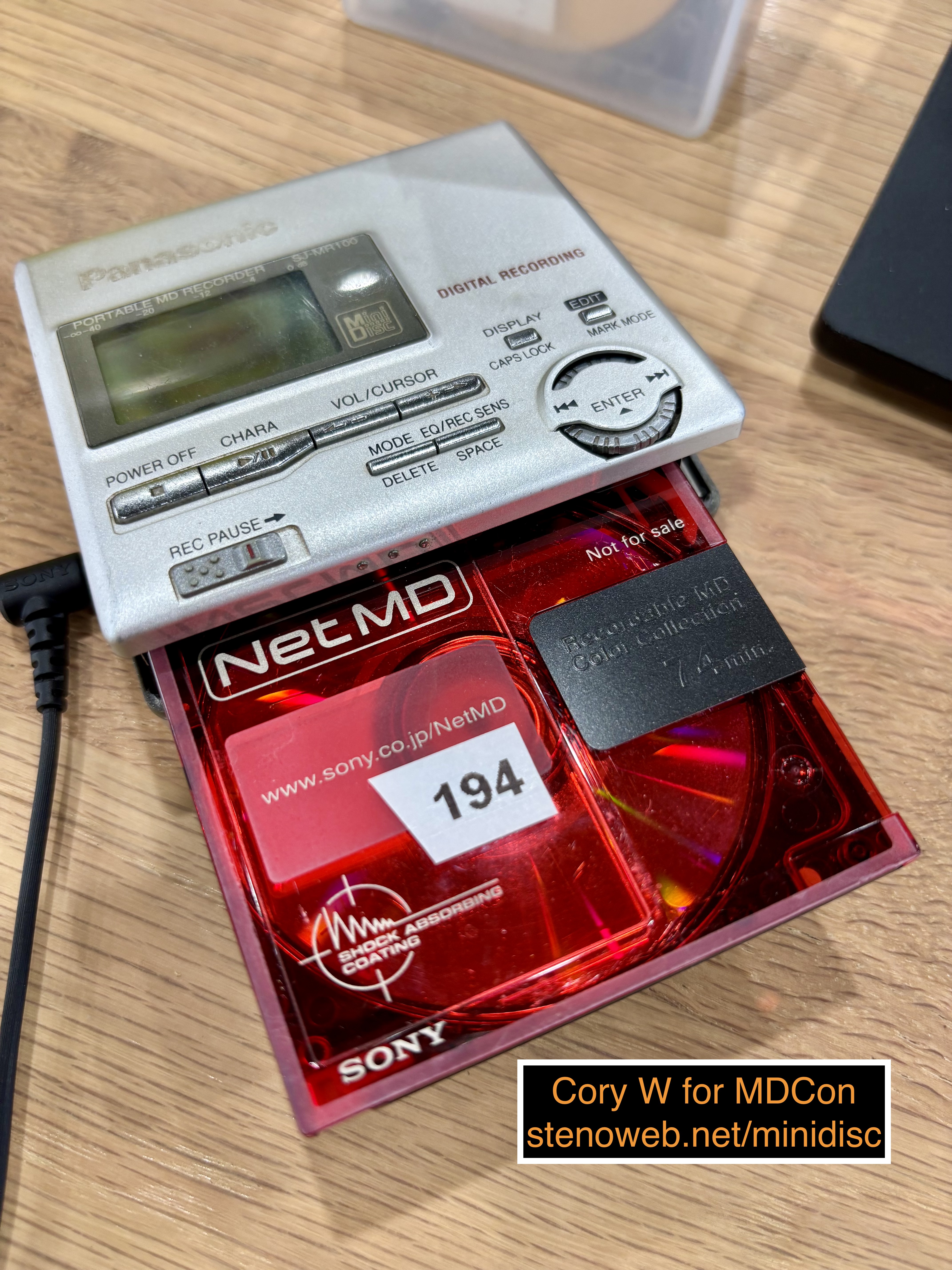
The MR100 gets decent battery life on it's gumstick battery. It's better than the R55 but not quite as good as the MZ-R90, but is very usable. This is fortunate because mine didn't come with a sidecar, and the sidecar to the newer SJ-MR230 / SJ-MR250 doesn't quite correctly fit. In my experience, Panasonics are at their best when you don't rely on the sidecar, whereas Sony and Sharp's sidecar mounts are strong and stable enough you can solely run the machine on external AAs, which is how I run my Sharp MT831.
The next most obvious comparable is the MZ-R70, just due to the more basic feature set. In previous articles, I compared the Sony MZ-R700 and Panasonic SJ-MR230 to one-another and I think the comparison extends back to the R70 and SJ-MR100. They're both competently executed mid-market options reflecting the needs of the majority in their local markets.
The Sound
A truism, in my experience, about MiniDisc hardware is no MiniDisc machine was ever cost-reduced enough to bother equipping outright bad analog audio handling hardware. So as with all mature-era minidisc hardware, if you have relatively average hearing and headphones, the MR100 will sound Good Enough for you.
Despite proclamations about the benefits of wide bitstream and/or Type-R, I don't really believe in or recommend the concept of MiniDisc as an audiophile format. They are measurable but not really audible improvements, in my experience.
I did a bunch of listening to SP-mode minidiscs recorded on various machines and they all sound at least as good as on any other machine. I also did some recording on the MR100, primarily on external power and, same deal: recordings it makes sound good enough.
Recording
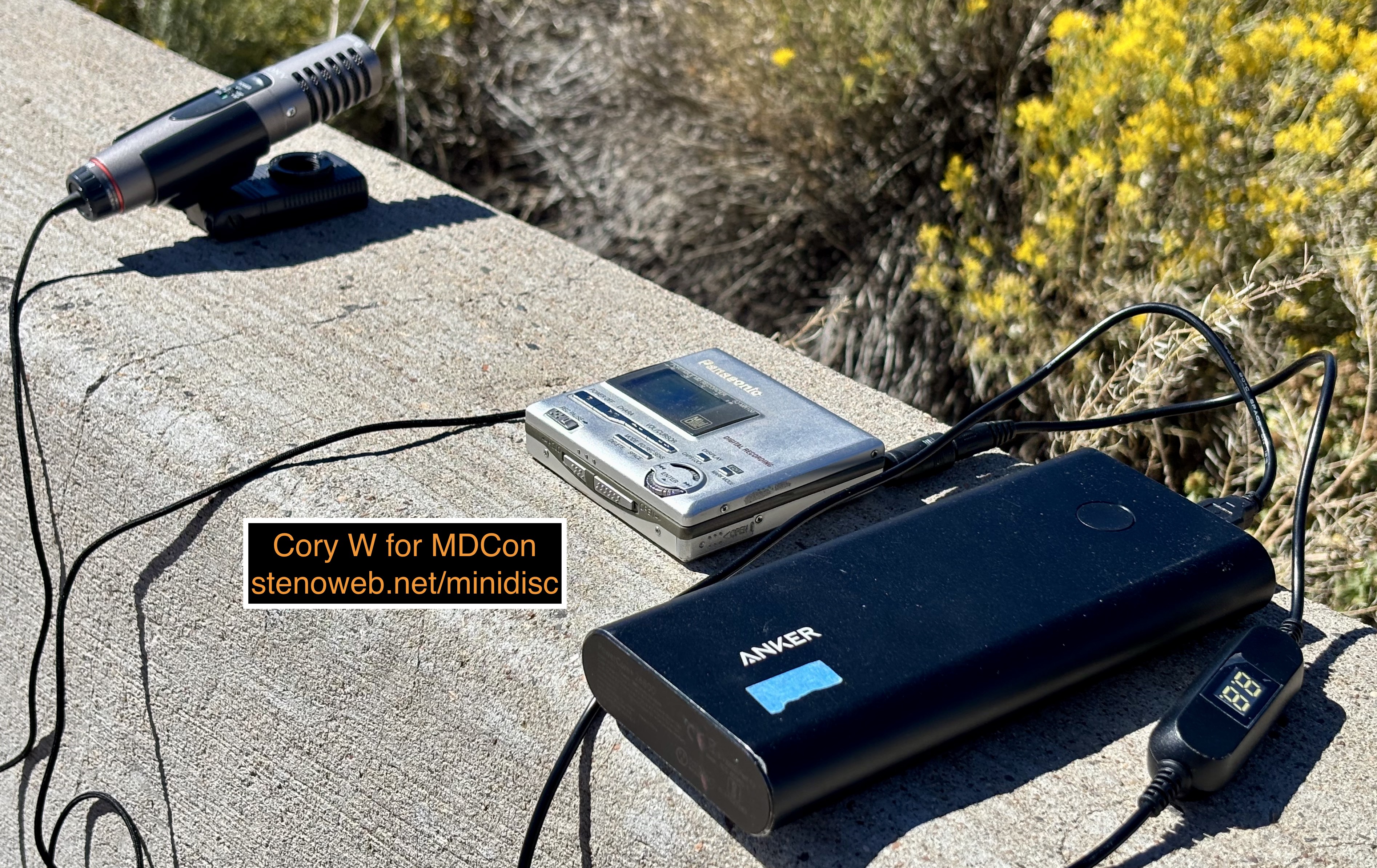
I've already mentioned the titling, but otherwise what's recording like?
Overall, good! My MR100, when connected to external power, is slightly more consistent about actually starting a recording session than my MR230. Without MDLP or the dock, the process plays out a bit more like on a Sharp. You pull the REC lever, are put into record-pause, and can use the mode key to switch into sync or sync 1 modes (digital) or the track marking mode (analog) and then you hit play to go. You can hit pause to hold again for a moment, such as if you're waiting between scenes or events.
Recording digitally off a computer using any method to apply "cheater" track marks works fine on the MR100. Recording CDs digitally also works as you'd expect.
Using microphone input, track marking options are manual or can be done automatically at 3, 5, or 10-minute intervals. This should make it easier to navigate, say, concerts or meetings. You can remove the automated track markers later if they don't coincide with anything useful.
The MR100 only has automatic level adjustments. For the analog line port, you get high or low sensitivity. The manual tells you to use high sensitivity for headphone-amped portable devices and low sensitivity for line-level output.
I did some analog recording using both a line-level output and a headphone-amped output and the MR100 did a good job of maximizing the available volume without capturing or creating any distortion. The line-level output, as a stress test, is from a much louder source than most others and listening to the recording from itcan be a little exhausting. Re-recording the same source digitally, I had no trouble. This is where using a machine with level adjustments might have allowed for some better results, and perhaps a point toward always bringing a digital interface if you can.
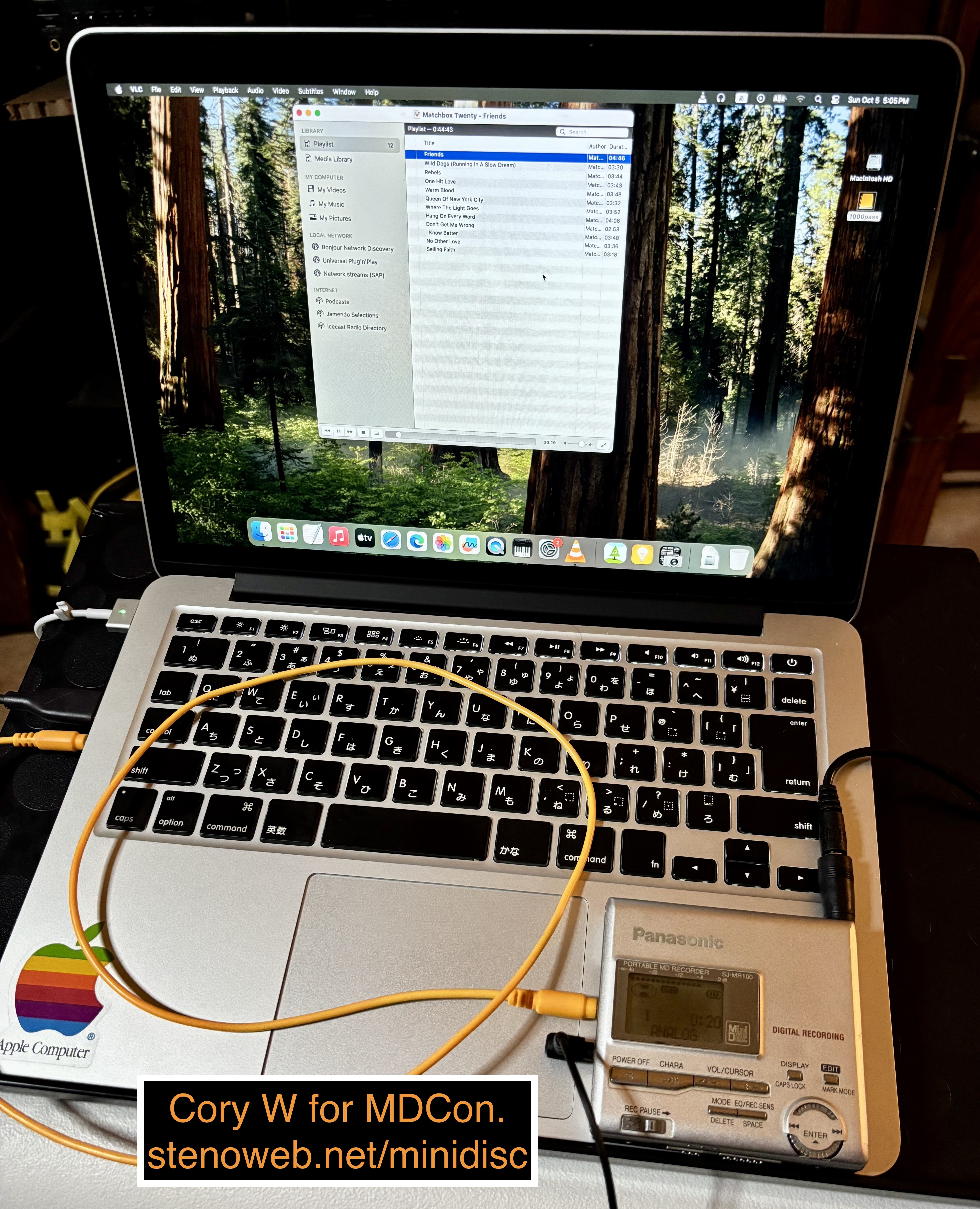
I recorded another disc of one of my favorite albums using my laptop's headphone output and this felt much truer overall, but using a digital interface for computer recording is still easier and more convenient, when possible.
I'd go as far as to say the MR100 is especially suitably for recording in analog like this but in truth no MD machine is outright bad at it and there are specific ways your results can be worse than if you use a digital link.
Recording from microphone, there is also only automatic levels/gain controls, but the unit doesn't seem to suffer for it and in the field this makes it easier to get started without needing to spend time on another decision or configuration point.
I took the MR100 to one of my train noise recording spots, a couple days in a row. The first few days, no trains ran by while I happened to be hanging out, the second, I was able to catch two westbound trains running, and one eastbound train when it left.
I also used it for recording some dictation in my car with my ECM-LV1. If you arm recording ahead of time and have it running on external power, it does a surprisingly good job keeping up to the changing conditions.
The trains themselves, with my ECM-MS907, on a fairly windy day, sound basically good. When there's no other noise happening, the machine lets the wind become the primary noise but it's quick to back off when other noise happens and the sound of the trains comes through reasonably well.
Neither my train recordings nor my voice dictations suffered any distortion or cutoffs and sitting in the passenger seat of my minivan, in motion, the MR100 manages to capture everything without any skips or dropouts.
People who are experienced with recording off microphones usually want more control, but for casual recording or as a starting point, the MR100 should be great.
I did most of my recording, even in the field, running off of the MDCon USB universal power supply dialed in as close to 1.8v as I could get it. However, for most of the field recording I also had a modern gumstick replacer installed and got impressive results from it. (the particular battery is from Milestock, but I haven't yet had a chance to test any more than the single one I have so I don't know if I won a lottery or if this impressive result is consistent.)
A lithium gumstick replacer would work with the downside of no warning when it runs out of power so if you're recording you could lose a full disc worth of audio. You will also want not to run the MR100 on a lithium gumstick replace while it's connected to external power.
Playback
The unit's playback controls make reasonably good sense. It's got a basic control layout consisting of play/pause, a stop button which turns the machine off if you hit it a second time, and volume keys. Separately, you can change the displayed information, playback mode, or the equalizer.
The unit does one of my favorite playback tricks: you can use the wheel to navigate to a specific track and then skip directly to it., even while there is a track playing. It doesn't have a programmed play mode or a way to establish a queue, but those features are rare regardless.
(On other units, you can usually use the track skip buttons to navigate to a specific track while the machine is stopped, but if you do so while the machine is running, it starts playing every track on the way. Which you prefer or which makes more sense to do might depend on whether you've titled your tracks or otherwise have a way to know in advance what each track is.)
The two EQ modes are S-XBS (read: Megabass) and "Train". S-XBS does what you think, and does it well. I wish it were available in two steps as in my experience with just one step it's a little overpowering. The train mode is a very Japanese feature, it attempts to reduce sound escaping your headphones and be audible to other users of public transportation. I tend to use neither of these - my headphones already present bass well and I am usually listening alone, but it's nice the option is there if anyone needs it.
On my best gumstick, I get a couple of days of my normal usage worth of playback. The MR100 is better than the MZ-R55 for battery life but not quite as good as the newer R90, this roughly matches the original manual estimates
Conclusion
The MR100 is a fun little unit. The best MiniDisc machine is the one in your hand and you can't go wrong by putting this one in your hand. The only real drawback in the modern context is one of the smallest ones: the unit uses gumstick (search term: NH-14WM) batteries, and Panasonic's AA sidecar attaches less securely than ones from Sony and Sharp, so you'll want a working gumstick.
The next worst downside is they use a hard-to-find power supply voltage. None of my "off-the-shelf" universal power supplies have 1.8 volts on them and although the unit might run on as little as 1.5 volts it might not charge the battery so low. I'm running mine on one of MDCon's flexible DC power supplies which lets you dial in a voltage.
If you're looking at buying from Japan, they're quite cheap. They're good at and easy to use for both recording and playback, and they're pocketable and should get a day or two of playback on a good gumstick. If you can find a complete unit, the AA sidecar should alleviate battery concerns and the original remote has some controls to make both playback and recording easier.